
Mac Finder is
so annoying! 😤
— every Mac user
View every file, one app.
No more switching.
View Files opens PDF, Word, Excel, PPT, Markdown, images, and code instantly — without installing extra apps. Built-in browser, AI summary, and 3D Knowledge Graph included.
Mac (Apple Silicon & Intel) · Free 30-day trial· v0.3.3
Features
Everything you need, nothing you don't
Six core features that replace half a dozen different apps.
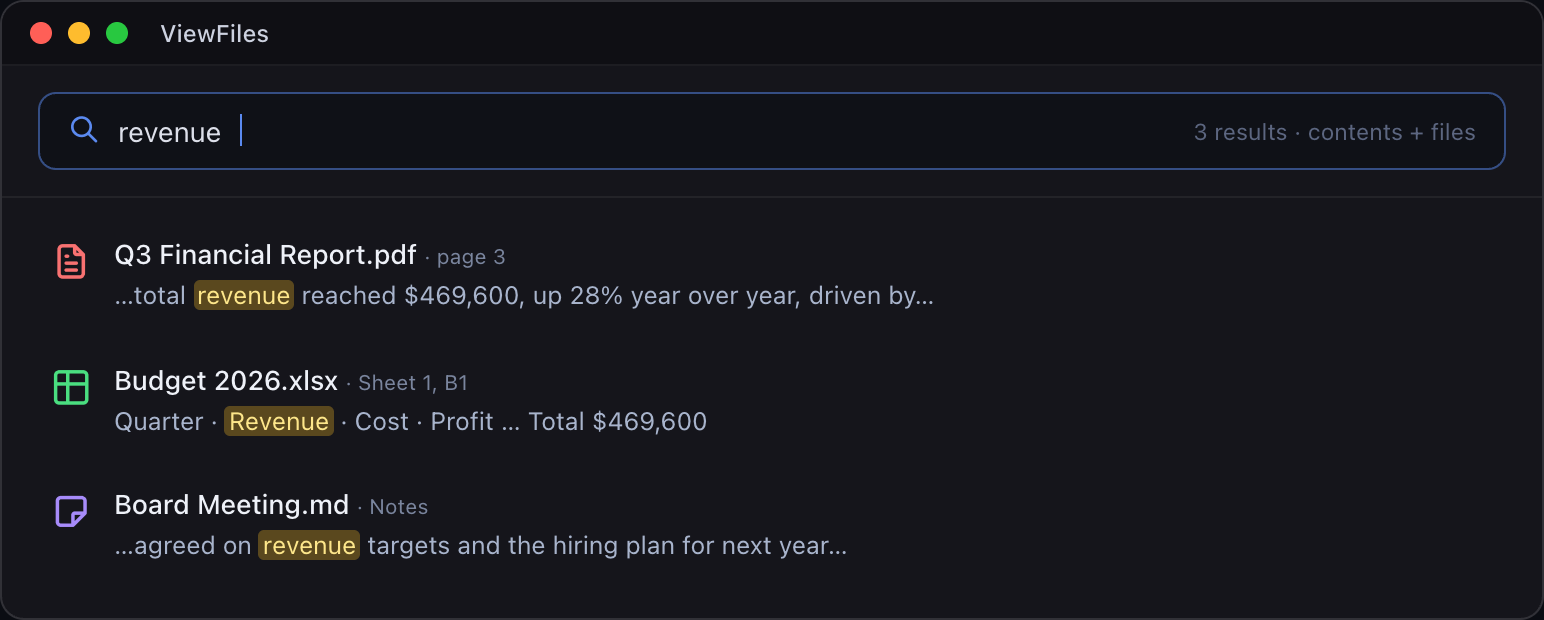
Browse by file type, not by folder
Group every PDF, doc, image, and snippet of code with a single click — no more digging through messy folders.
See how it works →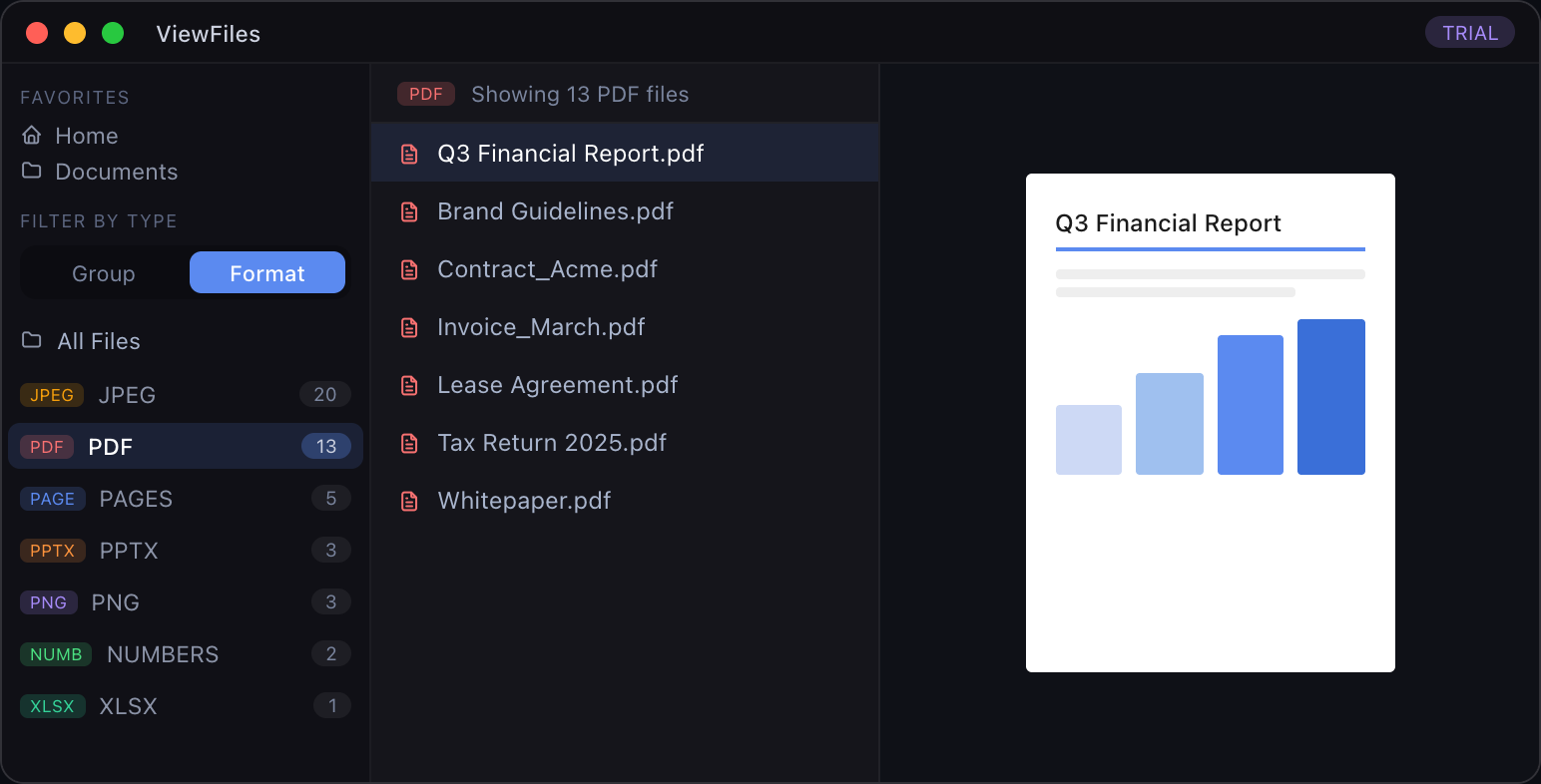

The Problem
Tired of opening a different app
for every file?
Mac Finder shows files but can't open them. View Files opens everything right there.
Why View Files
No other app does all of this
File viewer + built-in browser + AI + 3D Knowledge Graph in one app — that's View Files' unique position.
| Feature | View Files | Obsidian | Notion | Mac Finder |
|---|---|---|---|---|
| PDF Viewer | ✅Built-in | Plugin | ❌ | Separate app |
| Word (.docx) Viewer | ✅Built-in | ❌ | ❌ | Needs Word |
| Excel (.xlsx) Viewer | ✅Sheet tabs | ❌ | ❌ | Needs Excel |
| PPT Viewer | ✅Built-in | ❌ | ❌ | Needs PPT |
| Markdown Viewer | ✅Rendered | ✅ | ✅ | Plain text only |
| Built-in Web Browser | ✅Built-in | ❌ | ❌ | ❌ |
| Web Clipping | ✅Built-in | Plugin | Extension | ❌ |
| AI Summary | ✅Claude | Plugin | Business+ | ❌ |
| 3D Knowledge Graph | ✅3D | 2D only | ❌ | ❌ |
| Local Storage | ✅Local | ✅ | ❌ Cloud only | ✅ |
| Full-text Search | ✅Built-in | ✅ | ✅ | Limited |
* Plugin/extension options require separate installation and configuration
How it works
See it in action
Every feature, shown with a live interactive demo.
Open any file instantly
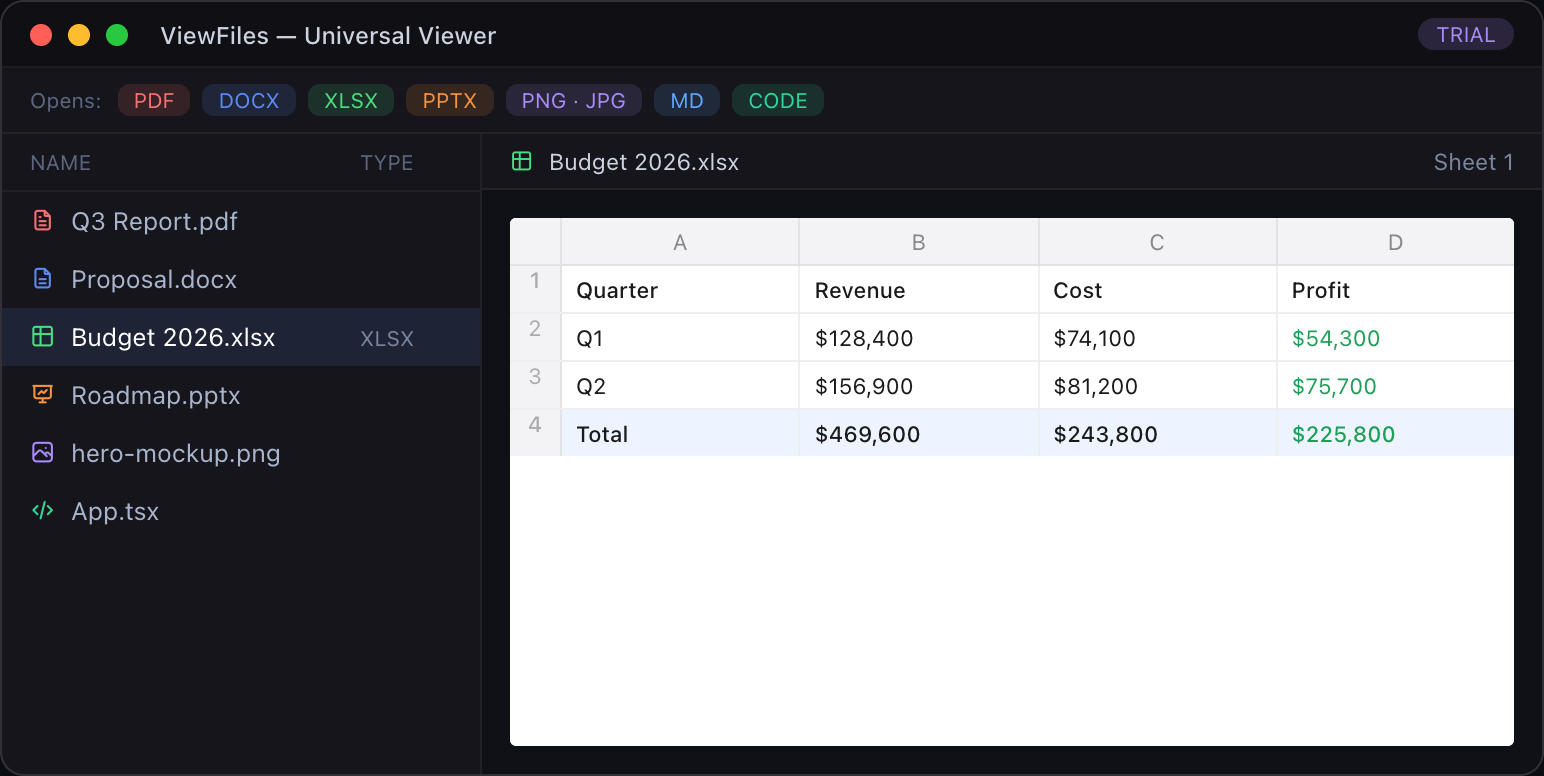
Click any file in the sidebar — PDF, Word, Excel, PPT, Markdown, image, or code. It opens immediately. No extra apps required.
- ✓PDF, DOCX, XLSX, PPTX built-in
- ✓Markdown with syntax highlight
- ✓Images and code supported
Multi-tab & multi-window
Open multiple files at once in tabs. Need side-by-side? Drag any tab outside the window and it instantly opens as a separate window.
- ✓Open multiple files in tabs
- ✓Click + to add more tabs
- ✓Drag tab out → new window
Summarize with AI
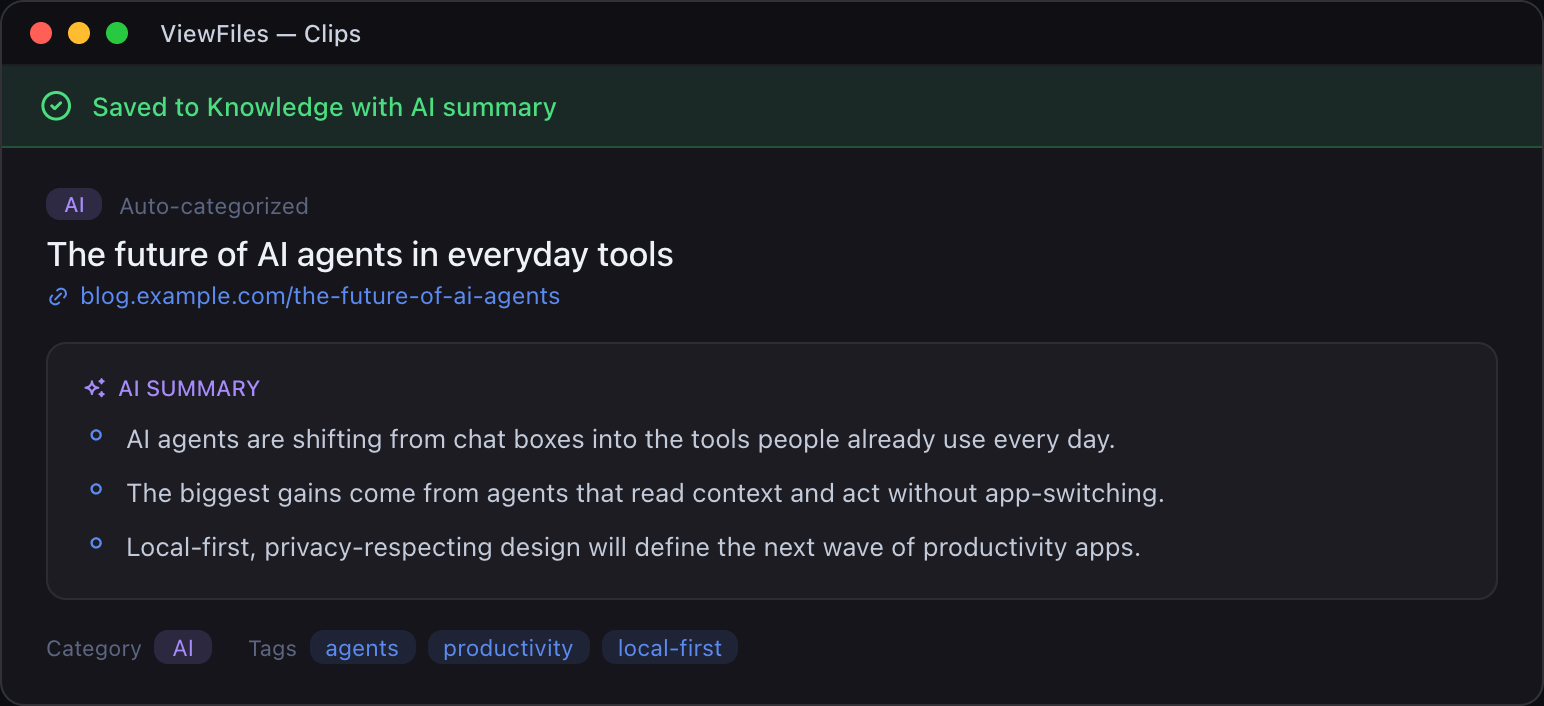
Get an instant AI summary next to any document. Key points extracted, tags suggested, save to Knowledge Base with one click.
- ✓Claude-powered summaries
- ✓Auto tag suggestions
- ✓One-click save to Knowledge Base
Browse and clip the web
Full built-in browser — research without leaving the app. Hit Knowledge Save on any page to clip it, summarize it, and add it to your graph.
- ✓Full built-in web browser
- ✓One-click web page clipping
- ✓Auto AI summary on save
See your knowledge connect
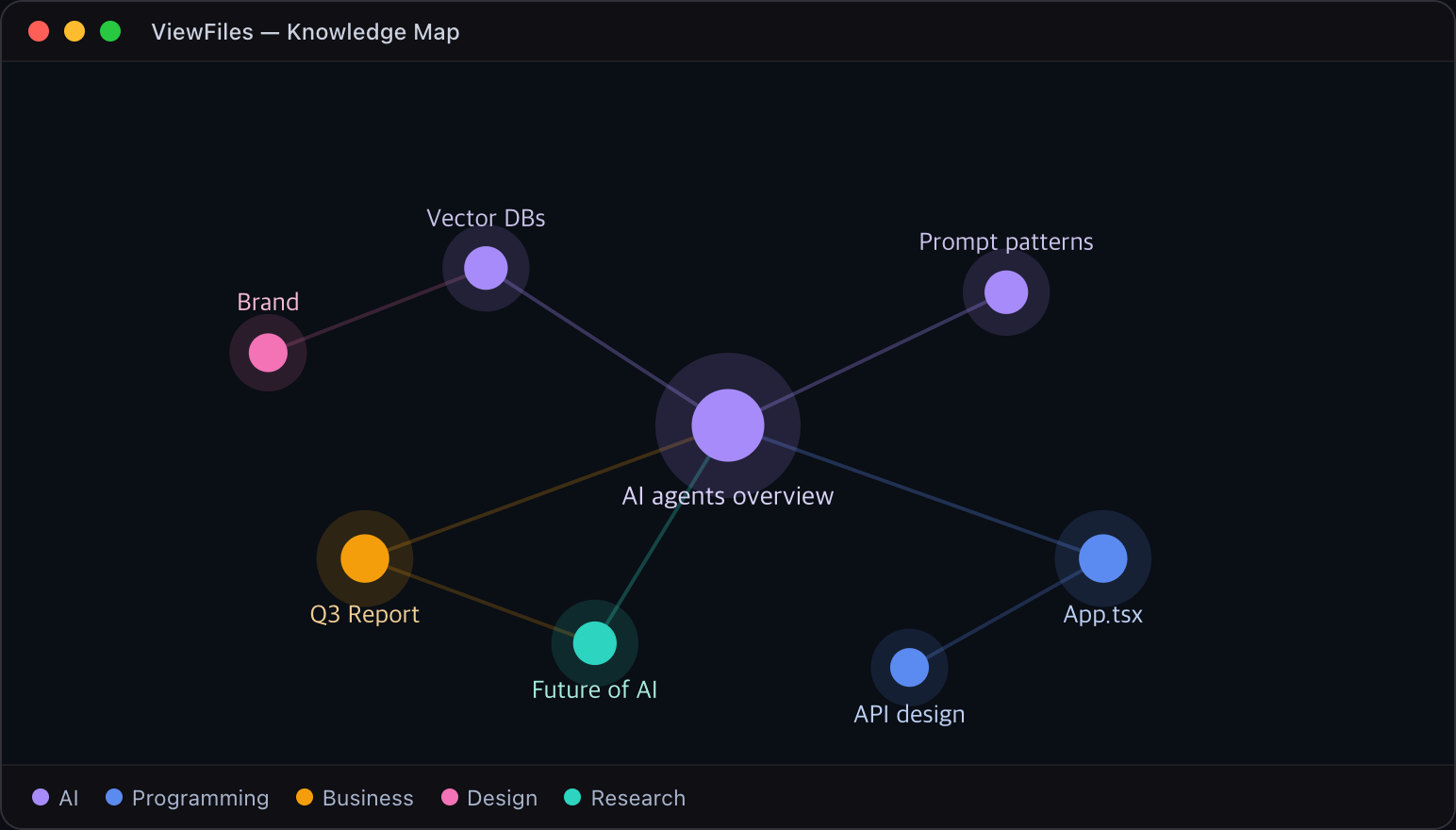
Every file and web clip becomes a node in your 3D Knowledge Graph. Rotate, zoom, and click nodes to explore how your ideas connect.
- ✓3D interactive graph
- ✓Click nodes to preview content
- ✓Drag to rotate, scroll to zoom
Pricing
Simple pricing
Try everything free for 30 days. Upgrade to Pro when you're ready.
Free Trial
No credit card required
- ✓ Universal File Viewer
- ✓ Built-in Web Browser
- ✓ Notes & Web Clips
- ✓ AI Knowledge Save (20/mo)
- ✓ Full-text Search
- ✓ 3D Knowledge Graph
Pro
or $0.99/mo — save 16%
One payment, unlimited access
- ✓ Everything in Trial
- ✓ Unlimited access forever
- ✓ AI Summary (30/mo)
- ✓ Priority support
Start for free today
30-day free trial · No credit card required · Cancel anytime
v0.3.3
FAQ